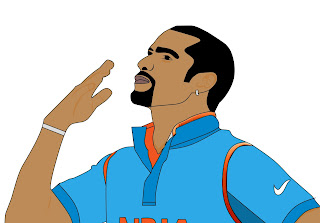
In current time, there is a trend of having your vector image as your profile picture. But for a single vector image, a graphic designer will charge you high.
In this article, I will show you how to create vector image Logo FREE in your mobile only.
The android app for creating vector image is "Infinite Design"
- Load the image of which you want a vector image.

- Click on Tools and select "Pen tool".
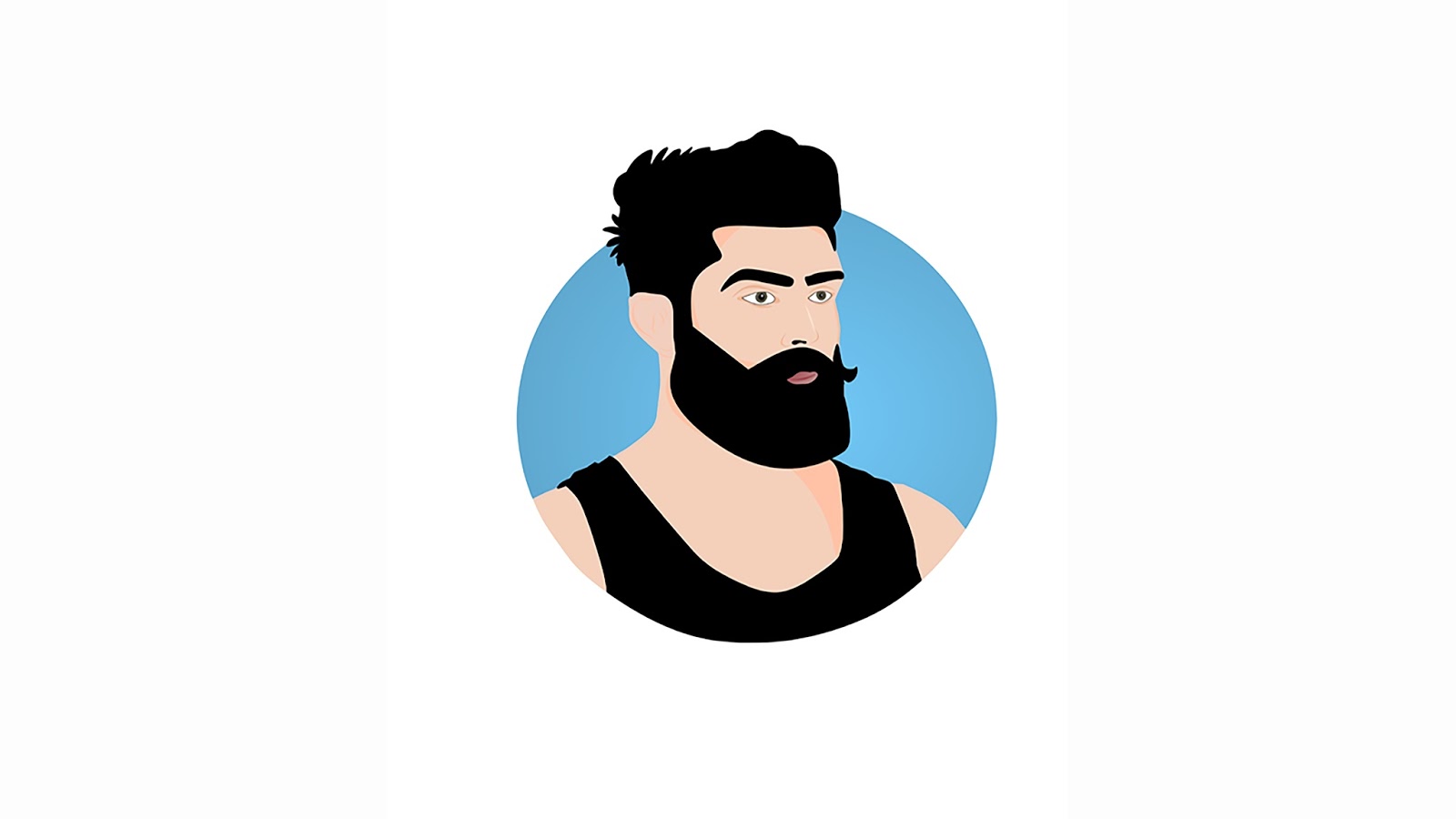
- Draw border for Beard, hair & eyebrow in Layer 1.(make sure the path is completed otherwise color will not be filled in it).
- Select "Fill" tool and just click on beard,hair & eyebrow section. It will automatically fill the black color in it.
- Now make the same border for the vest in the same layer(i.e.Layer1) and fill the black color in it.
- Now add layer 2 and make a border for lips and fill it.
- In next layer create eye(follow the same procedure as above).
- In next layer create skin section border.
Put Layers properly according to their display content.
Create circle. Fill it with gradient color.
Watch the tutorial on Youtube for better understanding.
copyright roncreation
Watch the Tutorial on YouTube. Click Here
Stay updated on Facebook : RON Creation